Setup
- Select the correct region

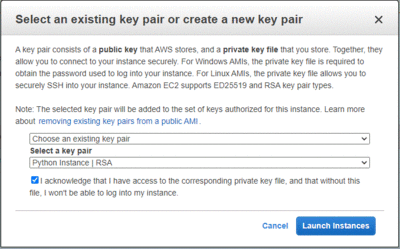
Key Pair
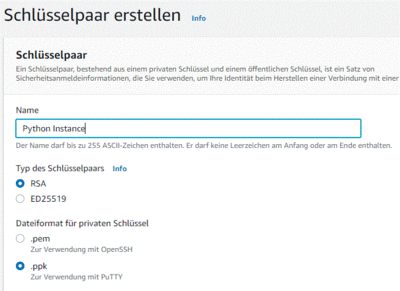
- store file in C:\Uwes\owncloud\documents\computer\AWSPython\Python Instance.ppk
Security Group
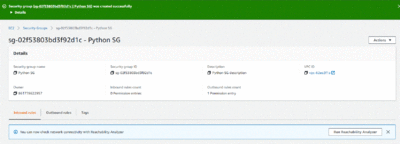
- create a specific security group
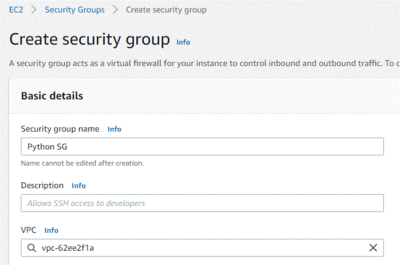
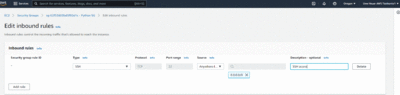
- create a rule to access the instance via SSH
Instance
Configuation
- user name is 'ubuntu'
- potentially grant ubuntu root privileges see here
Udacity
sudo python3 -m venv venv
sudo chown -R ubuntu:ubuntu venv/
source ./venv/bin/activate
pip install wheel
deactivate venv
Operation
Login
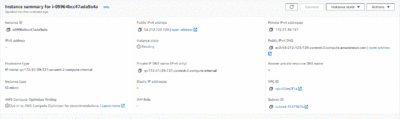
- create site 'ubuntu@54.212.123.129'
- in Advanced section select ppk file (s. above)
- ubuntu is default user name for Ubuntu based instances
- login via WinSCP by site 'ubuntu@54.212.123.129
- putty from WinSCP does not need any passwort